What Is SSL/TLS and How Does It Secure Internet Traffic?
SSL/TLS encrypts internet traffic, authenticates servers, and ensures data integrity between clients and servers using modern protocols TLS 1.2 and 1.3.
 Dig Trace Team· Network Engineering Team7 min read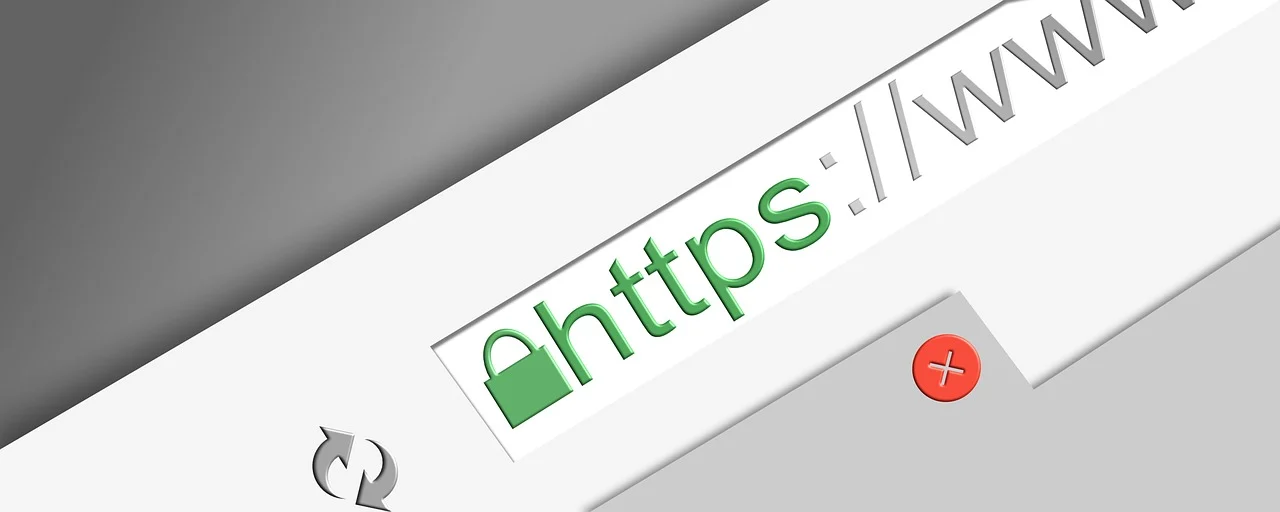
SSL/TLS is the cryptographic protocol suite that encrypts data in transit between clients and servers across the internet. When a browser displays a padlock icon in the address bar, or when a site loads over HTTPS instead of plain HTTP, Transport Layer Security is the mechanism at work. If you need to check your SSL certificate or verify a server's TLS configuration, you can use the SSL Checker for a quick scan. Although 'SSL' remains common in everyday speech, it's actually the older Secure Sockets Layer protocols of the 1990s that have been replaced entirely by modern TLS standards. Today, TLS 1.2 and TLS 1.3 are the only versions considered secure for production systems.
What Is TLS?
At its core, Transport Layer Security sits between the transport layer and the application layer of the OSI model. It secures protocols like HTTP, SMTP, and FTP by providing three core services: encryption keeps payloads unreadable to interceptors, authentication uses digital certificates to verify server identity, and integrity checks detect tampering in flight.
Without a trusted identity, encryption alone would be useless. A server proves its identity with a digital certificate. Formatted as X.509, this file contains the server's public key and identifying details, all digitally signed by a trusted Certificate Authority. The client validates that signature against its built-in trust store before it agrees to continue.
You'll encounter TLS far beyond the web. Email servers use it for SMTP submission. VPNs often rely on TLS for tunnel establishment. Even some IoT firmware updates depend on it to verify the source of the payload.
How the TLS Handshake Works
The handshake is a brief negotiation that happens before any HTTP request, database query, or file transfer. Its job is to authenticate the server, agree on a cipher suite, and generate the temporary keys that will encrypt the rest of the session.
In a TLS 1.2 connection, the client sends a ClientHello message listing supported cipher suites, compression methods, and a random nonce. The server answers with a ServerHello that selects the cipher, delivers its certificate, and sends its own nonce. The client then generates a pre-master secret, encrypts it with the server's public key drawn from the certificate, and transmits it back. Both sides feed that secret and the two nonces through a key derivation function to produce identical symmetric session keys. Bulk encryption then proceeds using those keys, which is far more efficient than using asymmetric cryptography for every byte.
By comparison, modern TLS 1.3 shortens this exchange dramatically. It can complete authentication and key agreement in a single round trip, or zero round trips for repeat visitors, by using pre-shared keys and a trimmed set of options. The protocol also removes support for static RSA key transport and mandates forward secrecy. That means each session uses ephemeral keys generated on the fly, so today's traffic cannot be decrypted later even if the server's long-term private key is someday compromised or leaked. Cloudflare's explanation of the TLS handshake provides a detailed visual walkthrough of these stages.
Once the handshake finishes, the connection moves to a protected state. All subsequent application data is encrypted and tagged with authentication codes that detect modification. Session keys are discarded when the connection closes, and a new handshake generates fresh keys for the next visit.
The Difference Between SSL and TLS
Netscape developed SSL 2.0 and 3.0 in the 1990s to secure early e-commerce. The Internet Engineering Task Force picked up the work, renamed it Transport Layer Security, and released TLS 1.0 in 1999. Since then, the two protocols have diverged so widely that they are no longer compatible.
No modern browser or API client should allow SSL 2.0, SSL 3.0, TLS 1.0, or TLS 1.1. These versions contain known cryptographic flaws that attackers can exploit.
Every version of SSL is now considered broken. TLS 1.0 and 1.1 followed them into deprecation, and major browsers, operating systems, and compliance frameworks no longer allow them. Only TLS 1.2 and 1.3 remain in active, approved use.
Technically, TLS replaced SSL's weaker MAC algorithms with HMAC, added encrypted alert messages, and expanded the set of error conditions a connection can report. TLS 1.3 goes further by stripping out obsolete cryptography such as RC4, export-grade suites, and MD5-backed handshakes. These removals directly close attack vectors like BEAST, Lucky 13, FREAK, and Logjam. AWS compares SSL and TLS directly for readers who want a side-by-side look at the protocol evolution.
How to Inspect a Server's TLS Setup
You don't need a browser to see which protocol a server supports. OpenSSL is available on most Unix-like systems and can initiate a connection while printing the full handshake details.
# Connect to a host and show certificate chain with TLS 1.3
openssl s_client -connect example.com:443 -tls1_3
If the connection succeeds, you'll see blocks like these:
---
Protocol : TLSv1.3
Cipher    : TLS_AES_256_GCM_SHA384
---
Certificate chain
 0 s:CN = example.com
   i:C = US, O = Let's Encrypt, CN = R3
---
Verify return code: 0 (ok)
Look for the Protocol and Cipher lines to confirm the server isn't accepting weak legacy options. If the return code is anything other than zero, the certificate chain may be incomplete, expired, or distrusted.
For a quick web-based test, the Digtrace SSL Checker scans any public host for supported protocols, certificate expiry, and chain errors. It is useful when you don't have shell access or need to share results with a team. You can also enumerate server ciphers with Nmap:
# List all accepted ciphers on port 443
nmap --script ssl-enum-ciphers -p 443 example.com
TLS in the Modern Internet Stack
Public-facing services can't avoid TLS anymore. Browsers flag plain HTTP as 'not secure,' search engines prefer HTTPS, and regulatory frameworks routinely mandate encrypted transit. Free certificate authorities such as Let's Encrypt have removed cost barriers, so even personal sites and internal dashboards now run over TLS.
Instead of layering security on top of TCP, QUIC and HTTP/3 embed TLS 1.3 directly into the transport. This integration reduces latency and improves resilience on lossy networks by combining encryption and connection setup into a single process.
When an API connection fails with a certificate warning, the cause usually traces back to DNS, routing, or TLS configuration itself. A missing intermediate certificate, a mismatched common name, or an expired validity period are typical culprits that become obvious once you know how the validation chain works. Understanding how the protocols interact helps you isolate the problem faster. TLS connects tightly to other fundamentals of internet routing. For instance, DNS resolution tells your device which IP address to reach, while traceroute and MTR reveal the network path between you and that server. TLS then secures the conversation once the route is established.
Encrypted Client Hello is gaining traction as a way to hide the destination hostname from network observers during the handshake, closing a long-standing metadata leak. Post-quantum key exchange algorithms are also entering the standards track to resist future cryptanalytic attacks. These additions will change the math inside TLS, but its essential purpose won't change: to keep private conversations private on public networks.